
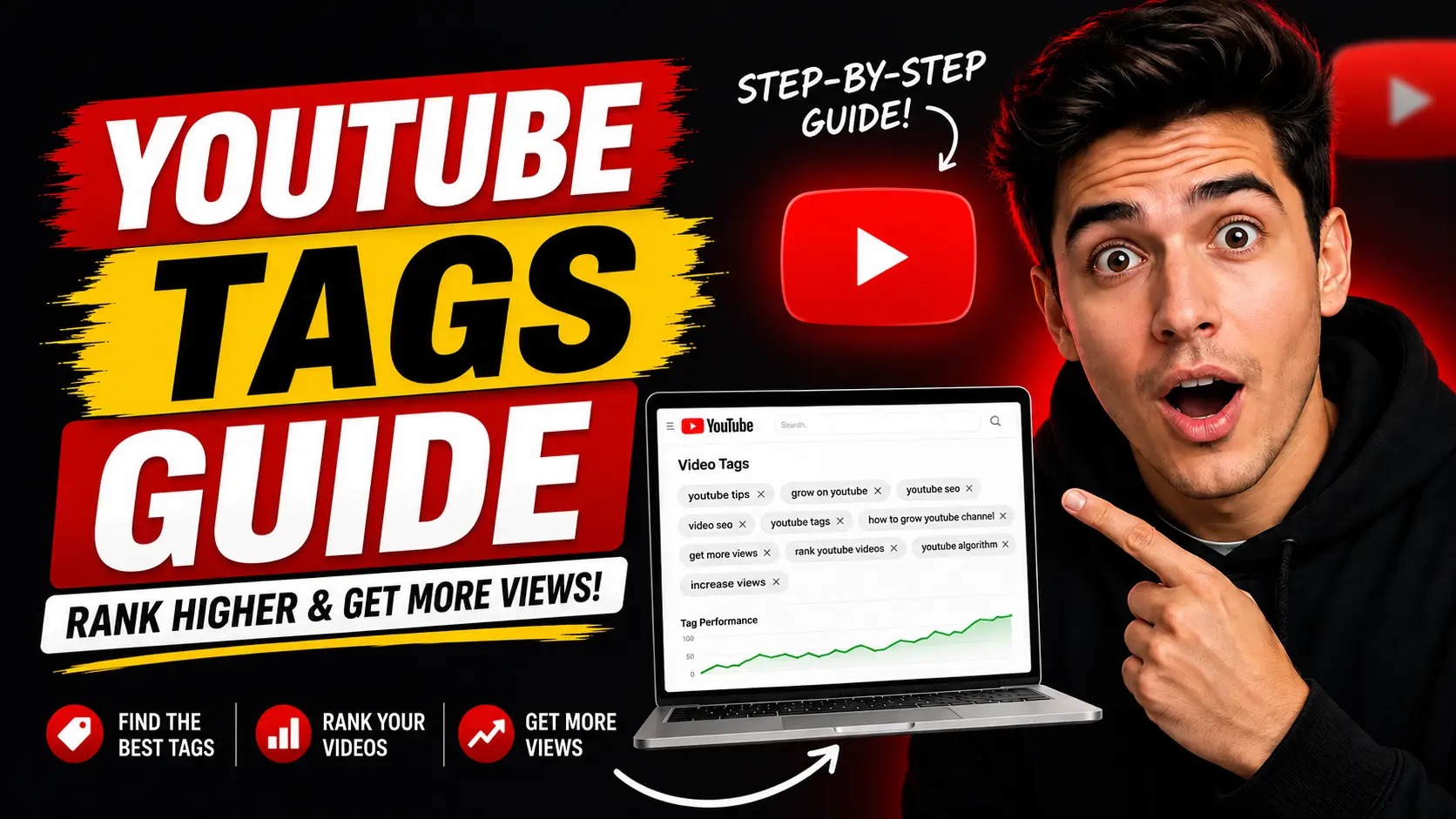
YouTube Tags Guide: Complete Beginner Guide

“YouTube tags are keywords and phrases you add when uploading videos to help YouTube understand your content. While not as powerful as before, using 5–15 relevant tags can support your SEO. Focus more on strong titles, thumbnails, retention, and captions for better results in 2026.”
YouTube tags are keywords and phrases added to your videos to help YouTube understand your content topic. While tags are not as powerful as they were years ago, they still play a small but useful role in YouTube SEO and can help improve video discoverability in certain situations.
Many beginners either completely ignore tags or stuff too many random keywords into them. The truth is somewhere in the middle. In 2026, YouTube relies much more on titles, thumbnails, captions, spoken words, audience behavior, watch time, and viewer satisfaction.
However, tags still help YouTube better understand spelling variations, related topics, category relevance, and alternate search phrases. A smart tag strategy can slightly improve SEO while supporting your overall optimization.
In this complete beginner guide, you will learn what YouTube tags are, how they work, how many tags to use, best practices, common mistakes, real examples, and whether tags still matter in 2026.
Whether you create tutorials, gaming videos, Shorts, vlogs, educational content, or faceless channels, understanding YouTube tags can help improve your overall video performance.
What Are YouTube Tags?
YouTube tags are words and phrases creators add in the video upload settings. They give YouTube extra context about the video subject, related keywords, alternate spellings, and niche relevance.
For example, a video titled “How to Start a YouTube Channel” might include tags like:
- how to start a youtube channel
- youtube for beginners
- youtube growth tips
- how to become a youtuber
- youtube tutorial
Tags are invisible to viewers but visible to YouTube’s algorithm. They act like helpful metadata that supports the main signals from your title, description, and actual video content.
Do YouTube Tags Still Matter?
Yes, but much less than before. Modern YouTube SEO focuses more heavily on click-through rate (CTR), audience retention, watch time, captions, spoken dialogue, and viewer satisfaction.
YouTube has confirmed that tags now play a smaller role compared to titles, thumbnails, descriptions, and content quality. However, they are not completely useless.
When YouTube Tags Help Most:
- Misspellings and common search variations
- Alternate phrases people use
- Niche clarification
- Similar search terms
- Difficult names or abbreviations
For instance, someone might search “yt seo”, “youtube seo”, or “youtube search optimization”. Tags help connect these variations so your video has a better chance of appearing.
How YouTube Understands Videos Today?
Modern YouTube uses advanced artificial intelligence and semantic understanding. It analyzes spoken words, captions, transcripts, viewer behavior, and topic relationships.
This means YouTube can often understand your video topic even without perfect tags. If you clearly speak about “thumbnails, CTR, audience retention, and YouTube growth,” the algorithm picks up on that through speech and captions.
Tags now support SEO instead of driving it. They work best as an extra layer of context.
How to Add YouTube Tags?
Adding tags is simple and done directly in YouTube Studio:
- Upload your video or go to an existing video in YouTube Studio.
- Click on “Details” or edit the video.
- Scroll down and click “Show More”.
- Find the “Tags” section.
- Type relevant keywords and separate them with commas.
- Save your changes.
Always use relevant tags only. Irrelevant tags can confuse the algorithm and hurt performance.
Best YouTube Tag Strategy
A good tag strategy uses primary keywords, supporting keywords, semantic variations, and long-tail phrases. Stay relevant and avoid random unrelated tags.
Key Rules for Better Tags:
- Use your main keyword as the first tag.
- Add closely related supporting phrases.
- Include long-tail keywords for specific search intent.
- Add a few common misspellings carefully.
- Keep all tags niche-relevant.
How Many Tags Should You Use?
There is no strict limit, but most successful creators use 5–15 focused tags. Quality matters much more than quantity.
Avoid adding dozens of random tags or unrelated trending keywords. Too many irrelevant tags may actually confuse YouTube’s system and reduce performance.
Best Types of YouTube Tags
A strong tag strategy usually includes these types:
- Primary Keyword: The exact main topic (e.g., “youtube tags guide”)
- Related Keywords: Closely connected terms (e.g., “youtube seo tips”, “youtube optimization”)
- Long-Tail Keywords: Specific phrases (e.g., “how to use youtube tags for beginners”)
- Broad Topic Tags: General category tags (e.g., “youtube marketing”, “content creation”)
- Brand or Channel Tags: Your channel name or series (e.g., “creator growth tips”)
YouTube Tags Example
For a video titled “How YouTube Algorithm Works”, good tags could include:
- how youtube algorithm works
- youtube algorithm explained
- youtube seo tips
- youtube growth strategy
- youtube recommendations
- how to grow on youtube
- youtube watch time
- youtube retention
- youtube for beginners
- youtube suggested videos
All tags stay closely related to the main topic for best results.
Common YouTube Tag Mistakes
Many beginners hurt their SEO with these mistakes:
- Using Irrelevant Tags: Adding popular names like “MrBeast” or “viral” on unrelated videos.
- Keyword Stuffing: Adding too many repeated or random keywords.
- Copying Competitor Tags Blindly: Taking tags from top videos without matching your content.
- Ignoring Other SEO Elements: Relying only on tags instead of improving thumbnails, titles, and retention.
Tags vs Hashtags on YouTube
Many creators confuse tags and hashtags:
- YouTube Tags: Backend metadata used only by the algorithm (added in upload settings).
- Hashtags: Visible clickable labels that appear above the video title (e.g., #YouTubeSEO, #YouTubeTips).
Both can help discoverability, but they serve different purposes. Use 2–3 relevant hashtags in your description for extra visibility.
Best YouTube SEO Practices Beyond Tags
Modern YouTube SEO depends much more on these elements:
- High audience retention
- Strong CTR through better thumbnails and titles
- Clear spoken content and accurate captions
- Valuable, problem-solving videos
- Consistent uploads and content clusters
Focus on helping viewers first. Tags should only support your overall strategy.
How Captions and Spoken Words Affect SEO
YouTube now heavily analyzes captions, transcripts, and spoken dialogue. Clear speech about your topic is often more powerful than tags. Always review and correct automatic captions for accuracy.
Best Tools for YouTube Tags and SEO
- vidIQ: Excellent for keyword research, tag suggestions, SEO scoring, and competitor analysis.
- TubeBuddy: Great for tag research, optimization ideas, title testing, and productivity features.
These tools help you discover relevant tags faster and make smarter optimization decisions.
Frequently Asked Questions
Do YouTube tags still matter in 2026? Yes, but they are much less important than titles, thumbnails, retention, captions, and viewer satisfaction.
How many tags should I use on YouTube? Most creators use 5–15 highly relevant tags. Quality is more important than quantity.
What are the best YouTube tags? The best tags are relevant, niche-focused, keyword-rich, and semantically connected to your video topic.
Can tags help videos rank higher? Tags can provide slight support for discoverability, especially with spelling variations, but they are not major ranking factors.
Should I use competitor tags? Study them for research, but create your own relevant tags instead of copying unrelated ones.
Are hashtags and tags the same thing? No. Tags are invisible backend metadata, while hashtags are visible and clickable.
What matters more than tags? Thumbnails, CTR, watch time, audience retention, captions, spoken words, and genuine viewer satisfaction matter much more.
Final Thoughts
YouTube tags are no longer the powerful ranking tool they once were, but they still help support your overall video optimization when used correctly. The best strategy is to use relevant, focused tags, stay niche-specific, support semantic SEO, and avoid keyword stuffing.
Remember that modern YouTube growth depends much more on valuable content, strong thumbnails, clear titles, better retention, and consistent uploads. Tags should support your SEO strategy — not replace it.
Creators who focus on truly helping their audience and improving content quality will always have the biggest long-term advantage on YouTube. Start using smart tags today while putting most of your energy into creating great videos that people love to watch.