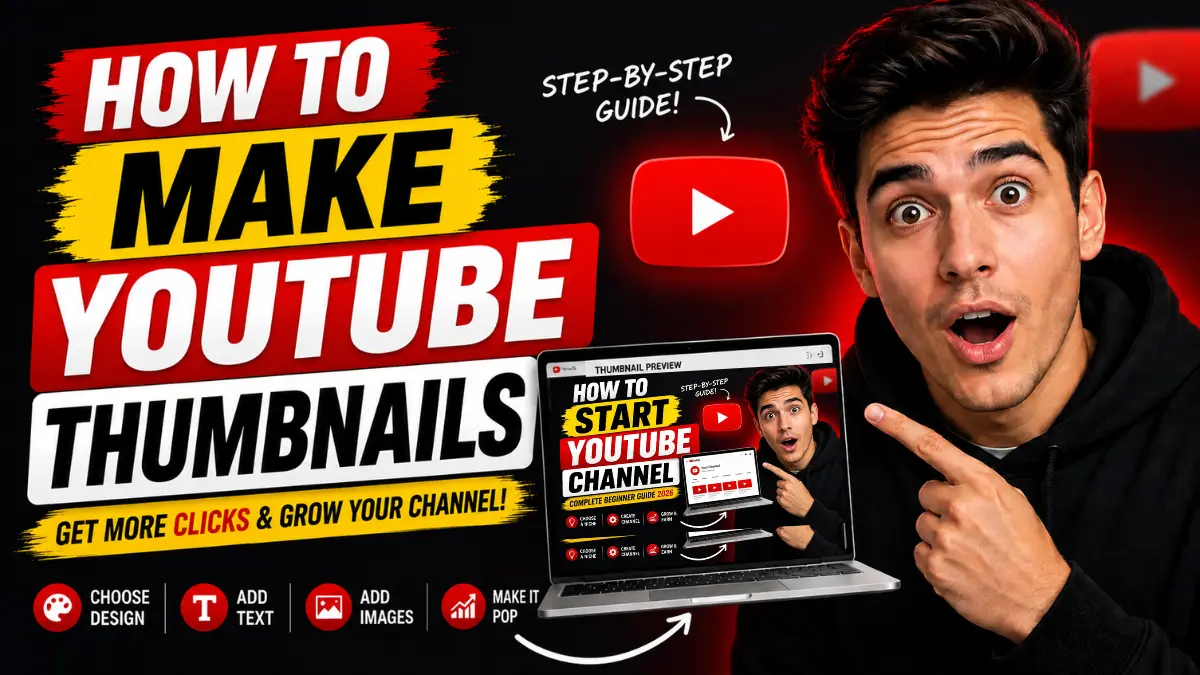
How to Make YouTube Thumbnails: Complete Beginner Guide

“You can make effective YouTube thumbnails quickly using free tools like Canva. Focus on one clear subject, bright colors, big text, and emotional faces. A strong thumbnail can double your clicks and help your videos get recommended more.”
Your YouTube thumbnail is the first thing viewers notice before they decide to click your video. Even if your video content is excellent, a weak thumbnail can cause people to scroll past it. On the flip side, a strong thumbnail grabs attention, sparks curiosity, and dramatically improves your click-through rate (CTR).
Learning how to make YouTube thumbnails is one of the smartest skills any beginner creator can develop. Thumbnails directly influence views, watch time, and how often YouTube recommends your content.
Many successful YouTubers spend more time perfecting thumbnails than editing because thumbnails control first impressions. In this complete beginner guide, you will learn everything you need: the best thumbnail size, step-by-step design process, CTR-boosting tips, mobile-first strategies, thumbnail psychology, beginner tools, common mistakes, and more.
Whether you create tutorials, vlogs, gaming videos, Shorts, reviews, or faceless content, these practical tips will help you design thumbnails that stand out and drive more clicks.
Why YouTube Thumbnails Matter
Every day, millions of people scroll through the YouTube homepage, search results, suggested videos, and Shorts feed. Your thumbnail competes against hundreds of other images on the same screen.
A powerful thumbnail helps you:
- Stop the scroll instantly
- Create curiosity in under one second
- Trigger emotions like surprise, excitement, or curiosity
- Quickly show the video’s value
- Increase CTR (click-through rate)
Higher CTR signals to YouTube that viewers like your content, which leads to:
- More impressions
- Better recommendations
- Longer watch time
- Faster channel growth
Even small improvements — like changing text color or using a better face expression — can increase clicks by 20-50% or more. Thumbnails are not just pretty pictures. They are powerful marketing tools that can make or break your video’s success.
Best Thumbnail Size for YouTube
Using the correct size ensures your thumbnail looks sharp on every device.
Recommended YouTube Thumbnail Size:
| Element | Recommended Setting |
|---|---|
| Thumbnail Size | 1280 × 720 pixels |
| Aspect Ratio | 16:9 |
| File Format | JPG or PNG |
| Maximum File Size | 2MB |
| Minimum Width | 640 pixels |
The 1280×720 resolution works perfectly across phones, tablets, desktops, and smart TVs. Always upload high-resolution images to prevent blurriness. YouTube will resize your image automatically, but starting with the right dimensions gives the best results.
How to Make YouTube Thumbnails Step by Step
Creating clickable thumbnails is easier when you follow a clear process.
Step 1: Choose One Main Focus Keep it simple. Focus on one face, one object, one emotion, or one transformation. Overcrowded thumbnails confuse viewers. Simple designs usually perform better.
Step 2: Use High-Quality Images Blurry or pixelated images look unprofessional. Use sharp photos, clear screenshots, or well-lit images. Good lighting and clean backgrounds build instant trust.
Step 3: Add Emotional Expression Human faces grab attention because people naturally connect with emotions. Try surprise, excitement, confusion, or happiness. Authentic reactions work best for long-term trust.
Step 4: Use Minimal Text Limit text to 3–5 words maximum. Use large, bold fonts that are easy to read. Good examples: “Big Mistake”, “0 to 100K”, “Don’t Do This”, or “Free Tool”. Too much text becomes impossible to read on mobile.
Step 5: Use Contrast Colors High contrast makes thumbnails pop on YouTube’s white and dark backgrounds. Popular combinations: yellow + black, red + white, blue + orange, or green + black. Avoid dull or similar colors that blend in.
Step 6: Design for Mobile First Over 70% of YouTube views come from phones. Always check how your thumbnail looks on a small screen. Zoom out, test on your phone, and make sure the main subject and text stay clear.
Step 7: Add Final Touches Include subtle arrows, circles, or highlights to guide attention. Save in the correct size and upload to test performance.
Thumbnail CTR Tips That Increase Clicks
CTR measures how many people click after seeing your thumbnail. Strong thumbnails tell YouTube your video is interesting.
Powerful CTR Tips:
- Create Curiosity Without Confusion: Use shocked faces with graphs or “before vs after” images. Viewers should understand the topic quickly.
- Show Transformation: Before/after, beginner vs expert, or “old setup vs new setup” thumbnails perform very well.
- Use One Clear Subject: Make the most important element large and centered.
- Add Directional Cues: Arrows, circles, or eye direction gently guide viewers to key details without looking spammy.
- Keep Branding Consistent: Use the same colors, fonts, and layout style across your videos so viewers recognize your channel easily.
Best Tools to Make YouTube Thumbnails
You don’t need expensive software. Many free or low-cost tools work great for beginners.
Canva Canva is the top choice for most beginners. It offers drag-and-drop editing, thousands of free templates, easy text tools, and a simple interface. Perfect for thumbnails, channel banners, and social media graphics.
Adobe Express Adobe Express provides professional templates, AI features, and fast editing. Great for creators who want polished results quickly.
Photoshop Adobe Photoshop gives full creative control for advanced users. It has detailed editing, custom effects, and layers. The learning curve is higher, but it produces top-tier results.
Other good options include Photopea (free Photoshop alternative), CapCut, and Canva’s mobile app for quick edits on the go.
Common Thumbnail Mistakes Beginners Make
Avoid these mistakes that hurt CTR:
- Too much text that becomes unreadable on phones
- Cluttered designs with too many elements
- Low contrast colors that don’t stand out
- Misleading clickbait that damages trust and retention
- Small subjects that are hard to see on mobile
- Inconsistent branding across videos
Keep designs clean, honest, and focused on value.
Emotional Faces and Thumbnail Psychology
Human brains are wired to notice faces and emotions. Eye contact, surprise, and strong expressions trigger curiosity and emotional responses. This is why emotional thumbnails often get more clicks.
However, avoid overly fake or exaggerated reactions. Authentic emotions build better long-term trust with your audience.
Why Mobile-First Thumbnail Design Matters
Since most viewers watch on smartphones, mobile-first design is essential. Large subjects, minimal text, strong contrast, and clean layouts perform best on small screens. Desktop users can still enjoy mobile-optimized thumbnails, but mobile users may ignore thumbnails that don’t work well on phones.
How Often Should You Change Thumbnails?
If a video gets many impressions but low CTR, update the thumbnail. Test different versions with new colors, text, or expressions. Many creators A/B test thumbnails and see big improvements. YouTube allows thumbnail changes anytime.
YouTube Thumbnail SEO Tips
Thumbnails support SEO indirectly. Higher CTR leads to more impressions, better recommendations, and stronger ranking signals. When combined with good titles and descriptions, strong thumbnails help YouTube understand and promote your content better.
Frequently Asked Questions
What is the best thumbnail size for YouTube? The recommended size is 1280×720 pixels with a 16:9 aspect ratio.
How do I make clickable YouTube thumbnails? Use emotional faces, high contrast, minimal bold text, clear subjects, and curiosity elements.
What is a good thumbnail CTR on YouTube? Aim for 4%–10% or higher, depending on your niche and traffic sources.
Should thumbnails include text? Yes, but keep it short — 3 to 5 words maximum.
Can I make YouTube thumbnails for free? Yes. Canva and Adobe Express offer excellent free options.
Why do YouTube thumbnails matter? They control clicks, views, recommendations, and overall channel growth.
Are mobile-friendly thumbnails important? Absolutely. Most views come from phones, so thumbnails must be clear on small screens.
Final Thoughts
Learning how to make YouTube thumbnails is one of the highest-return skills for any content creator. Strong thumbnails increase clicks, improve CTR, and help your videos reach more people through YouTube’s algorithm.
You don’t need to be a professional designer. Focus on clarity, emotion, curiosity, mobile readability, strong contrast, and simple layouts. The best thumbnails are easy to understand in one second.
Start practicing today with Canva. Create thumbnails for your next few videos, test them, and check your analytics to see what works best for your audience. As you create more content, your thumbnail skills will improve quickly.